Start the trial. Start the clock.
Athletes are on the clock. The stopwatch is right on your wrist. Start the countdown with a tap on the watch. Your watch has the time and will notify you when time is running out and again when the time is up! Never fumble with a stopwatch ever again. Tap to start, tap to stop, or let time expire and it will auto-reset. Keeping athletes on the clock has never been easier.

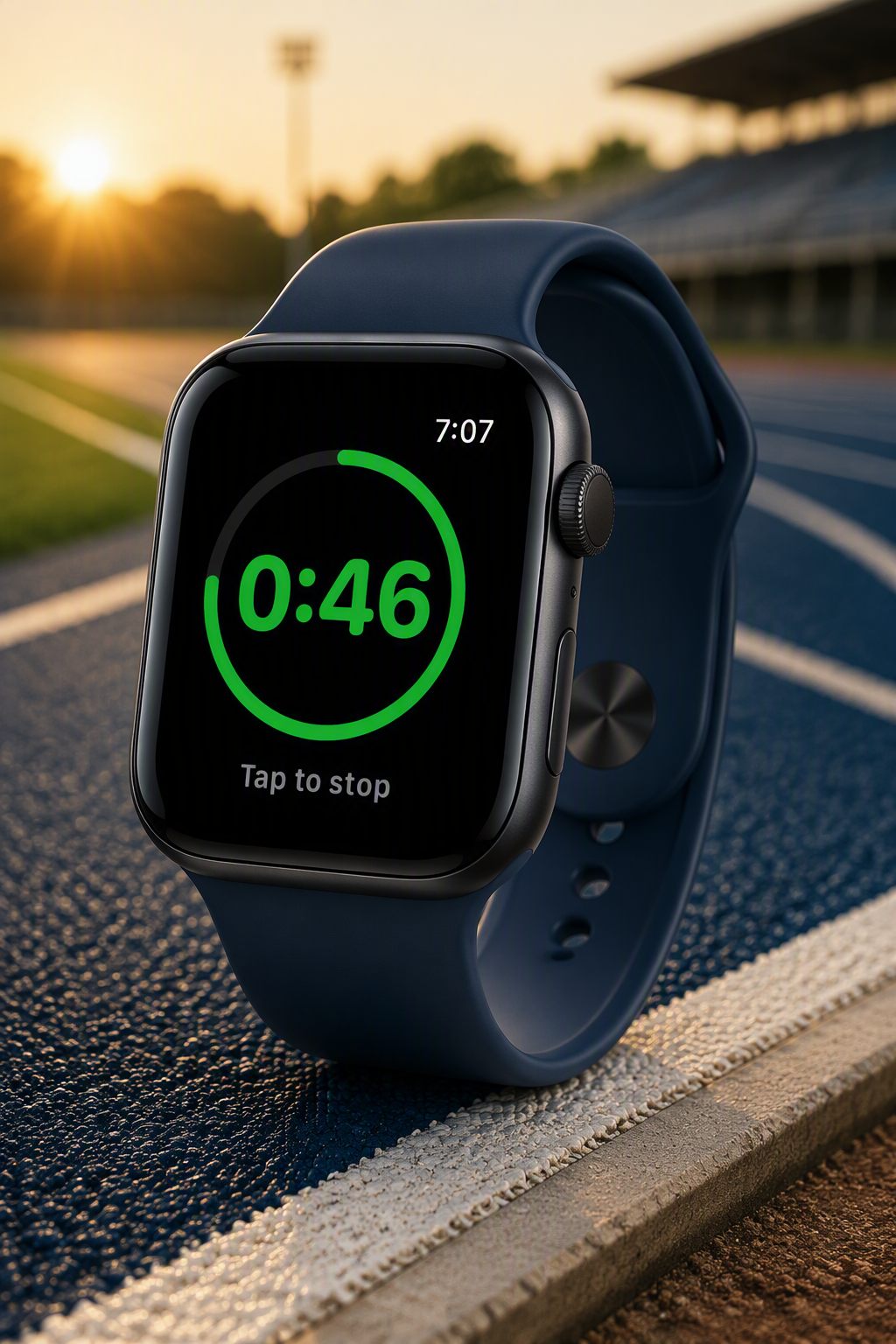
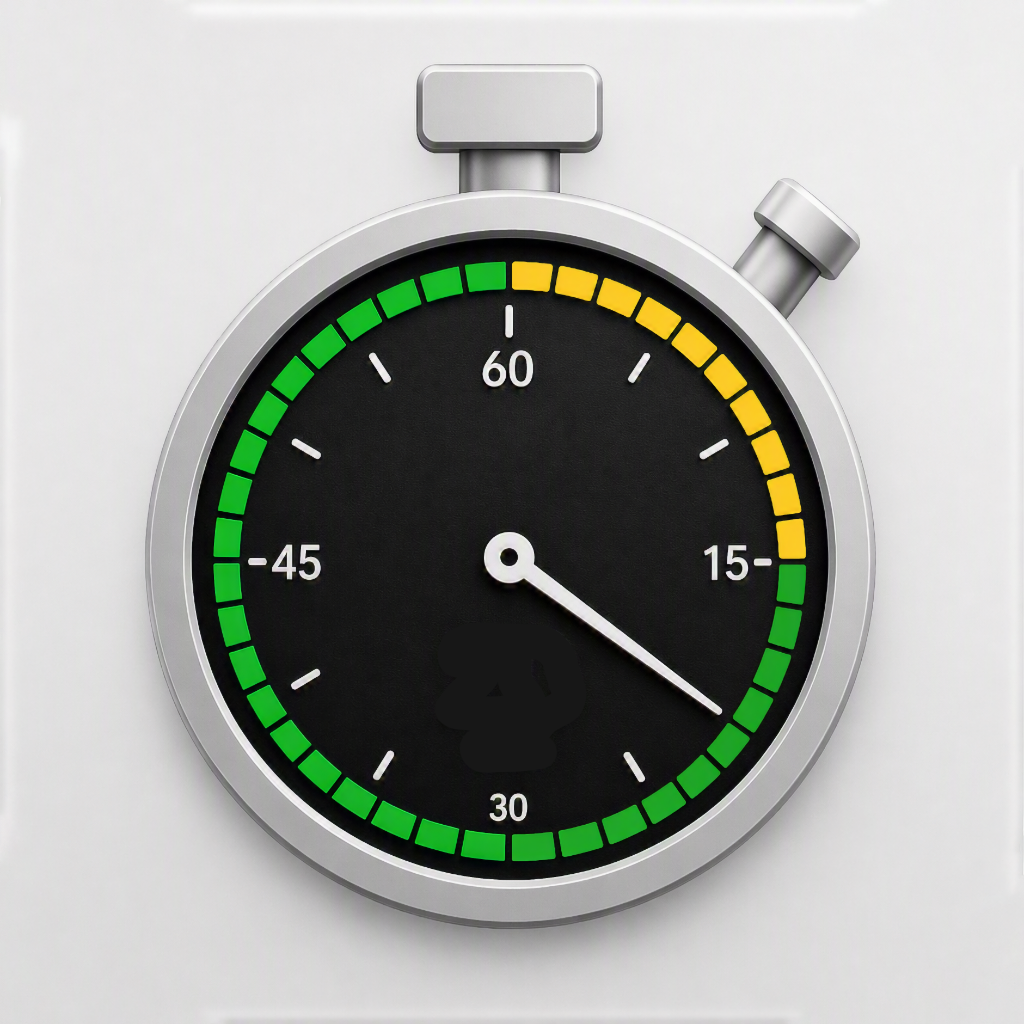
While running a bold ring drains as the seconds go by. The time looms large and sits dead center and stays green while the athlete prepares for their best attempt.
'Kora, you're up!' The athlete steps into the circle or on the runway; anxiety, anticipation, expectation all running high. A simple tap on the watch and the countdown begins. There's no need to even glance at your watch, no fumbling for a small button, no fumbling with a stopwatch, no looking away from the action - just tap the center of the watch and let the trial begin.
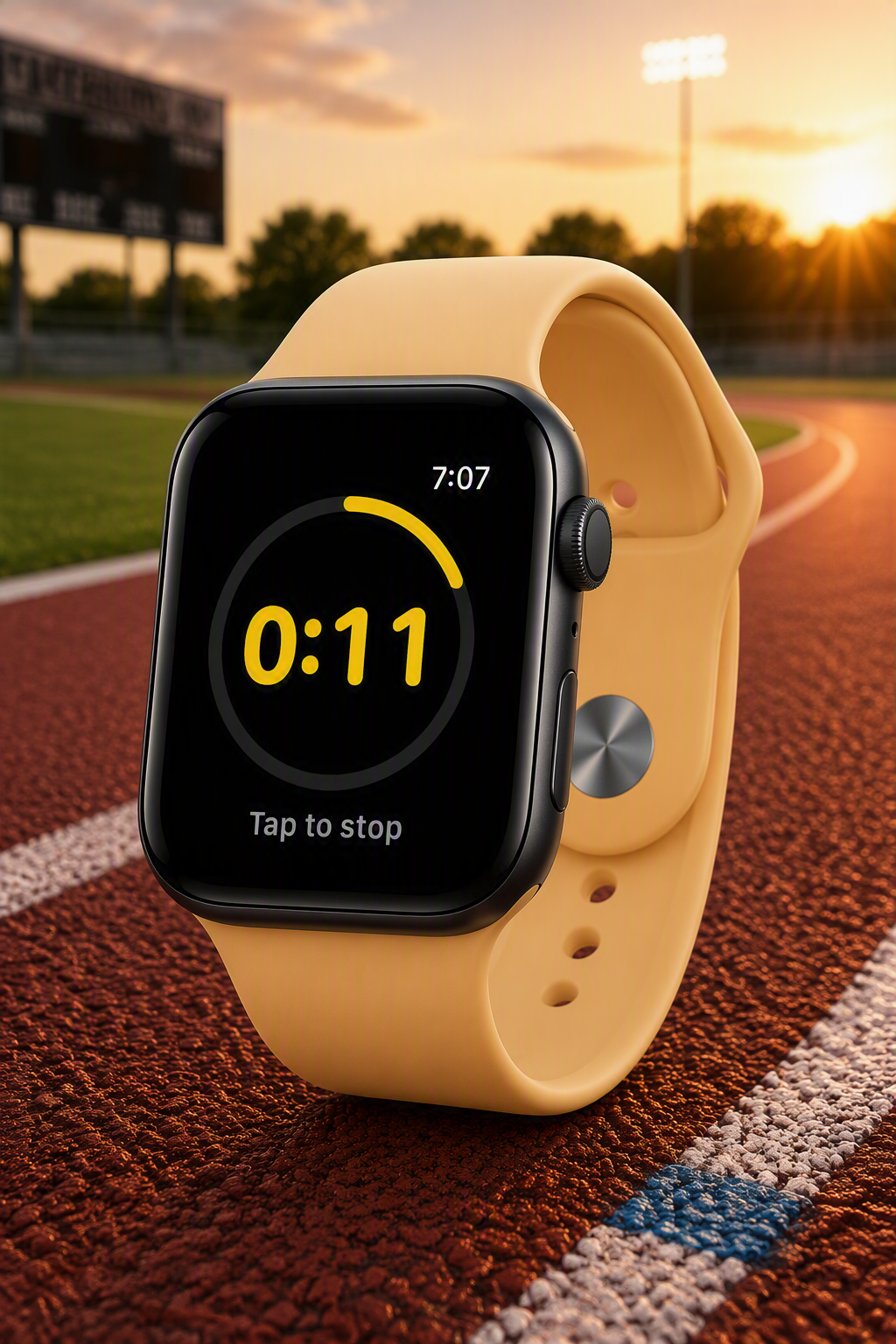
Inside the last 15 seconds the watch face turns yellow; the ring, the numbers, and announces time is growing short. You don't need to keep track, haptic feedback will alert you when those last few seconds remain. It's a cue that you can feel, a notification you trust. Whether its from the take-off board or the back of the ring — you can give your athlete an accurate heads-up, the yellow flag, just like the display's yellow screen. When time expires, a 'time foul', you'll be notified of that too. Go ahead raise a red flag. Time expired, and you knew it.
No stopwatch, no counting in your head, just efficient trial timing for any field event. That's TrialTime.
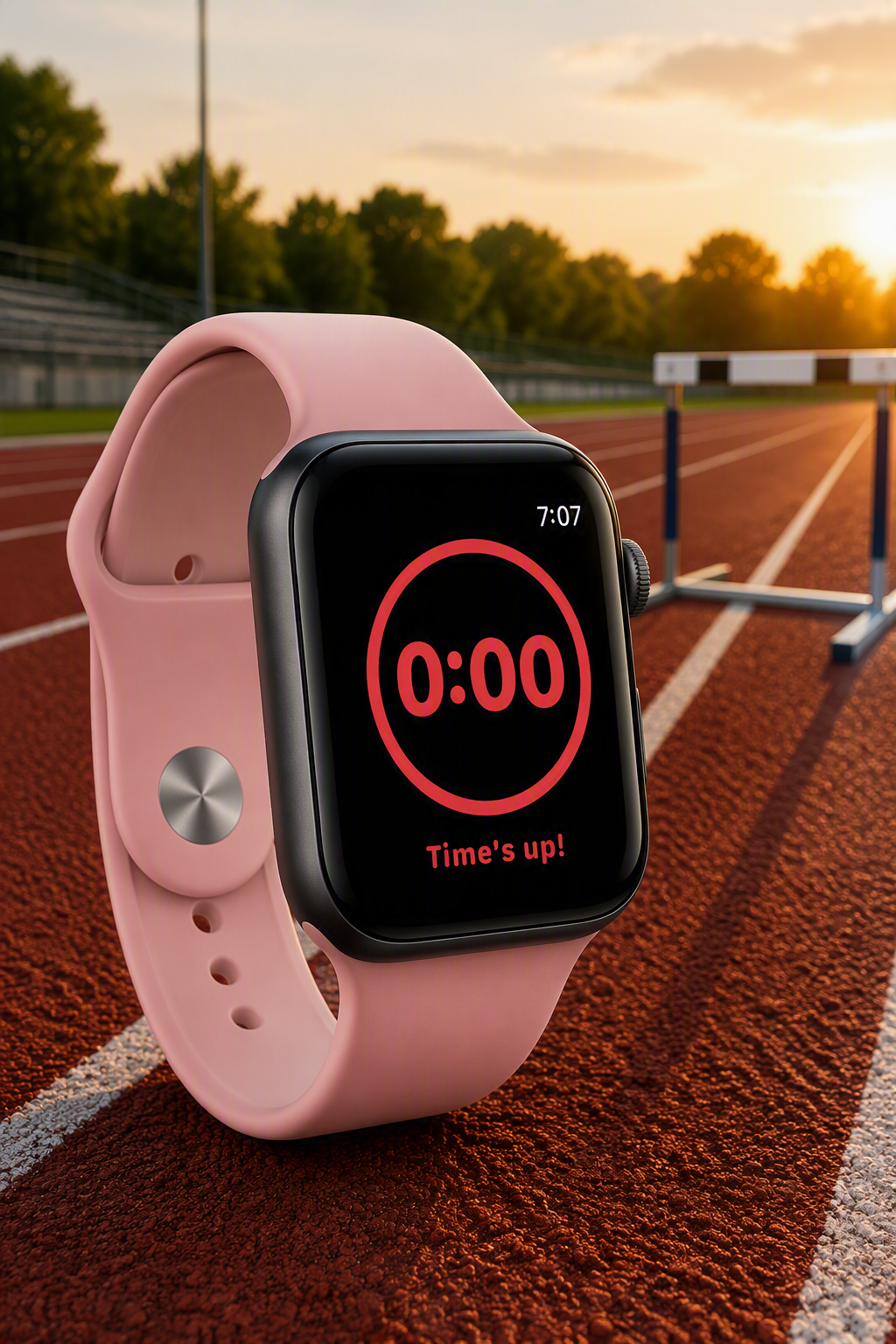
As time expires the numbers show zero, the ring turns red, the watch reads - Time's up!. You get a haptic tap notification on the wrist. It's the same clear, unambiguous signal on every attempt — whether your eyes are on the clock or on the athlete. Timing 1, 2, 3, or 5 minutes, same functionality, same results. No purposeful action? No time left? You'll know it with a simple haptic vibration pattern on the wrist.
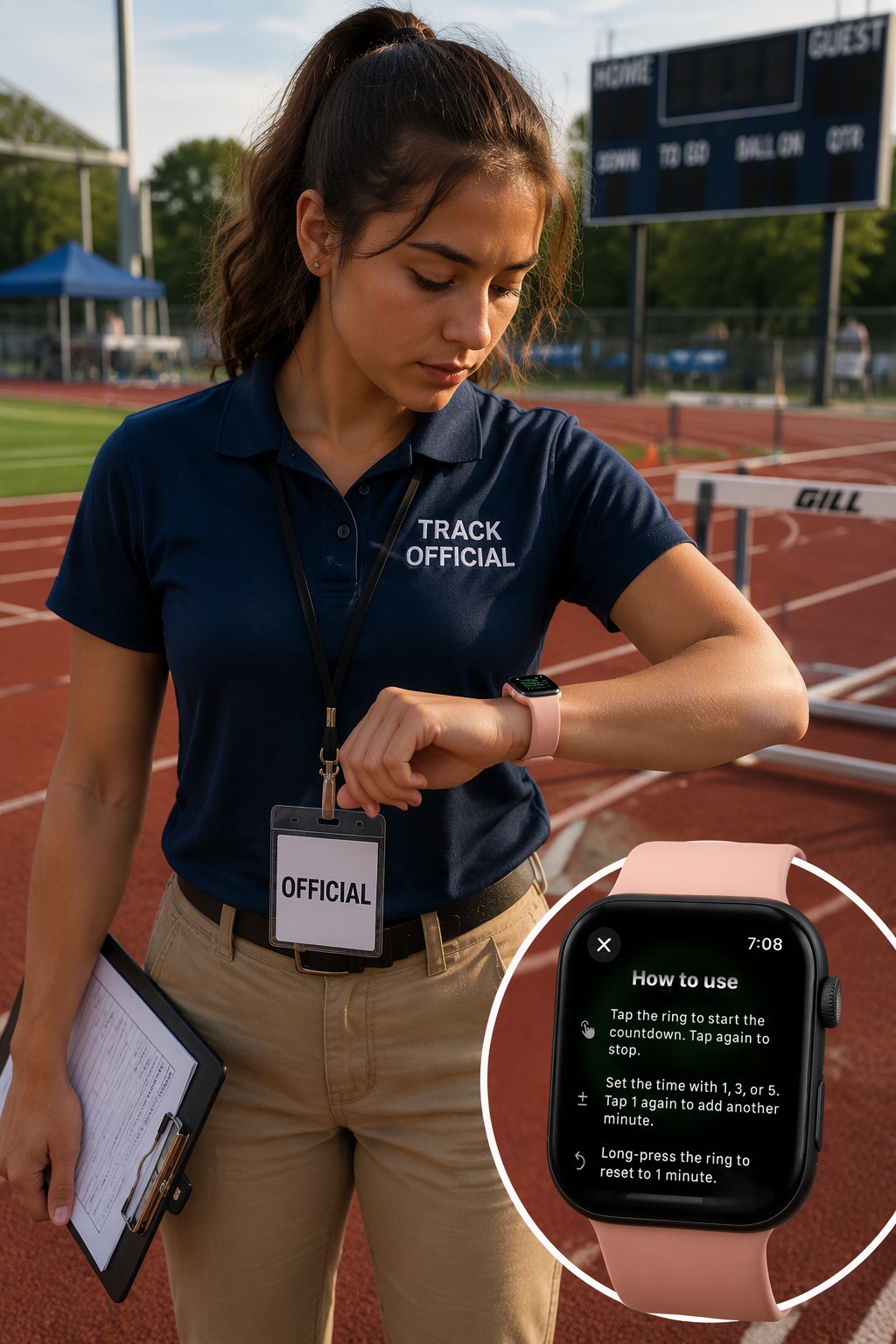
Controlling time is just a tap away. Tap a button on the bottom to select the desired time interval to count. Then tap the center to begin the countdown. A tap starts and a tap will stop before time runs out or let the countdown expire and the counter will auto-reset back to the selected time interval. You don't have to clear your stopwatch and reset a timer, TrialTime is built to handle that, it's built with you in mind. 2 minutes (2:00) showing and you need it to be 1 (1:00) - a long-press on center screen will reset the time back to 1-minute and you're ready for the next athlete.
Tap 1, 2, 3, or 5 minutes below the ring for the time interval. Tap the 1 button to stack on another minute to the time; up to 5.
Call up the athlete and tap the ring; they'll be on the clock while you await their attempt. Keep the competition moving.
Let time expire to auto-reset or tap to stop and long-press the ring to drop back to 1:00 and you're ready for the next competitor.
Presets cover the one-, two-, three-, and five-minute rules, so there's no mental math when fewer competitors remain.
No stopwatch to find, no timing app to wake. A flick of the wrist and the clock is already there. It never sleeps.
Green, yellow, red. You can tell where the count stands without reading a single digit with just a glance.
Start, stop, and reset without putting anything down or taking your eyes off the competition.
A haptic notification and a red face at zero mean you never miss the expiry, even in a loud stadium.
The same timing and the same signal on every attempt — consistent enough to defend that red flag if anyone asks.
Coming soon....