LapStar icon

LapStar

Call the number. Count the lap.

Lap counting is one of the toughest jobs on the track. A pack of runners goes by, then another, and before long the leaders are lapping the back of the field. With a clipboard and a pencil, every tick mark means looking down — and every glance away is a runner you might miss.

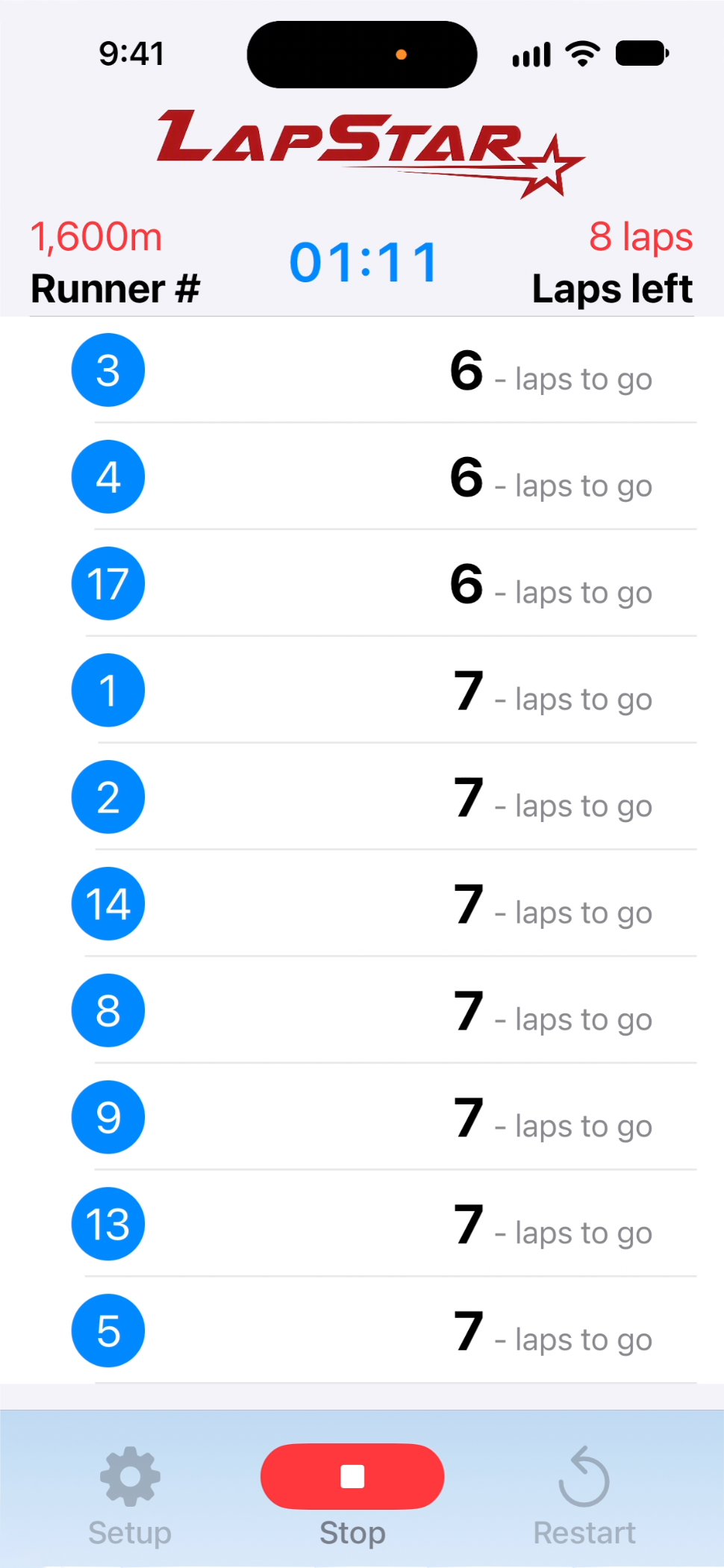
LapStar turns your iPhone into a hands-free lap counter for distance races. Open the app and select the track and race distance and you're ready to go. Tap the Listen button, and as each runner crosses the start line, just say their hip number. LapStar counts the lap and keeps the whole field sorted by how many laps each runner has left to go.

LapStar lets you keep your eyes on the race. You speak, it counts.
Just say the number

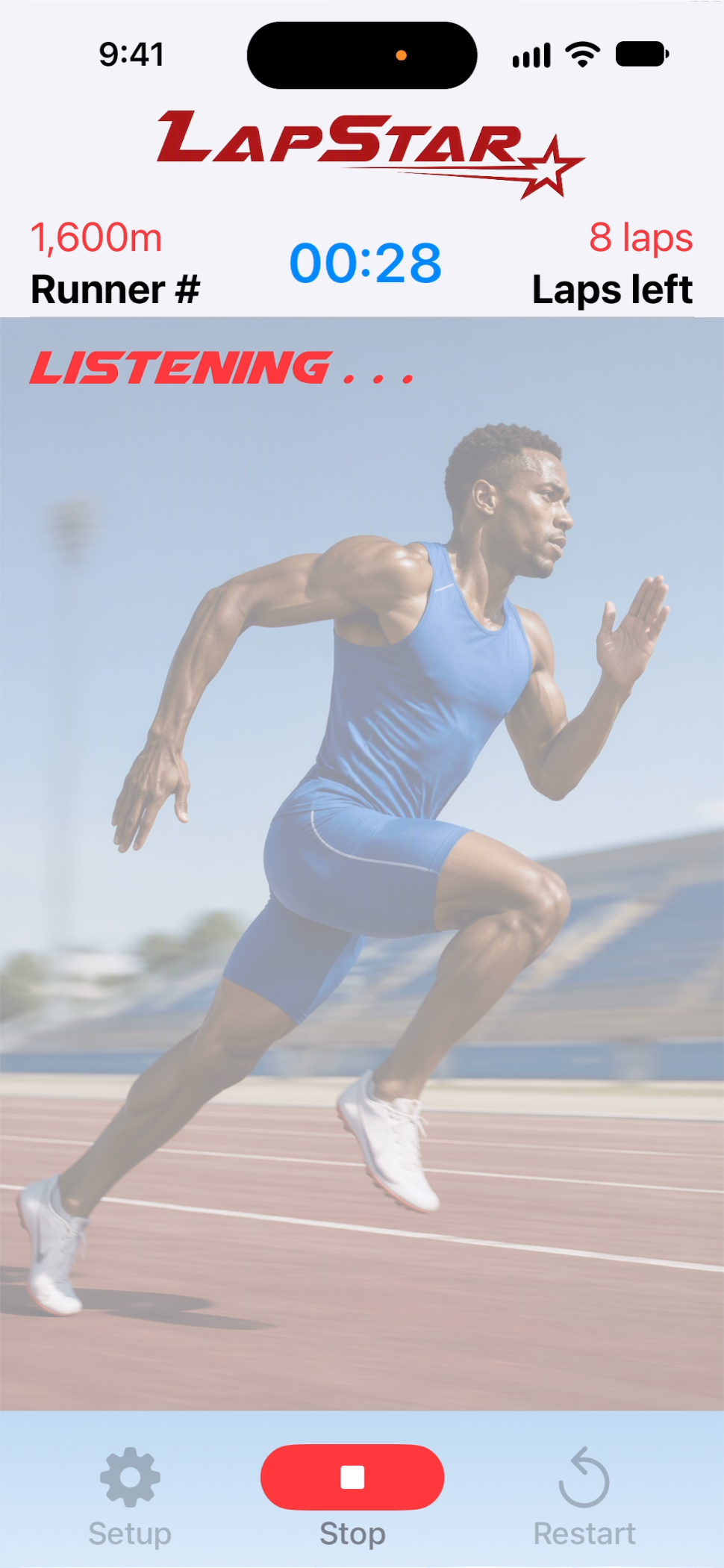
Tap the Listen button on the bottom menu and your iPhone starts listening. As each runner crosses the start line, say their hip number out loud. LapStar hears it, finds that runner, and counts the lap — no tapping, no typing, no writing, no tally marks.

Keep your eyes up and your voice steady, and the count takes care of itself.

LapStar sorts the field for you, from the fewest laps to go to the most. The runners closest to finishing are always at the top of the list, so you can see who's coming up on the bell lap — even after the leaders have lapped half the field.

No flipping through pages, no counting tick marks, no second-guessing. Glance at the list and you know exactly where every runner stands.

How it works

1

Set the race

Tap Setup from the menu and choose your track length and race distance.

2

Tap Listen

Tap Listen on the bottom menu and your iPhone starts listening for runners' numbers.

3

Call the numbers

Say each runner's hip number as they cross the start line, lap after lap.

4

Count down the laps

LapStar counts every lap and keeps the field sorted from fewest laps to go to most.

Why officials choose LapStar

Hands-free counting

Your voice does the work. No buttons to tap, no clipboard to juggle, no pencil to lose.

Eyes on the race

Call the numbers without looking down, so you never miss a runner crossing the line.

Sorted automatically

The field is always ordered from fewest laps to go to most, so the runners closest to finishing are right at the top.

Any track, any distance

200m or 400m tracks, and races from 1,500m to 10,000m. LapStar handles the math.

Ready when you are

Open the app, select the track and distance. Tap Listen and you're counting.

Help built in

A built-in Help screen walks you through everything, right when you need it.

Put down the clipboard. Count every lap by voice.

Coming soon to the App Store